
Fujifilm Film Simulation Samples
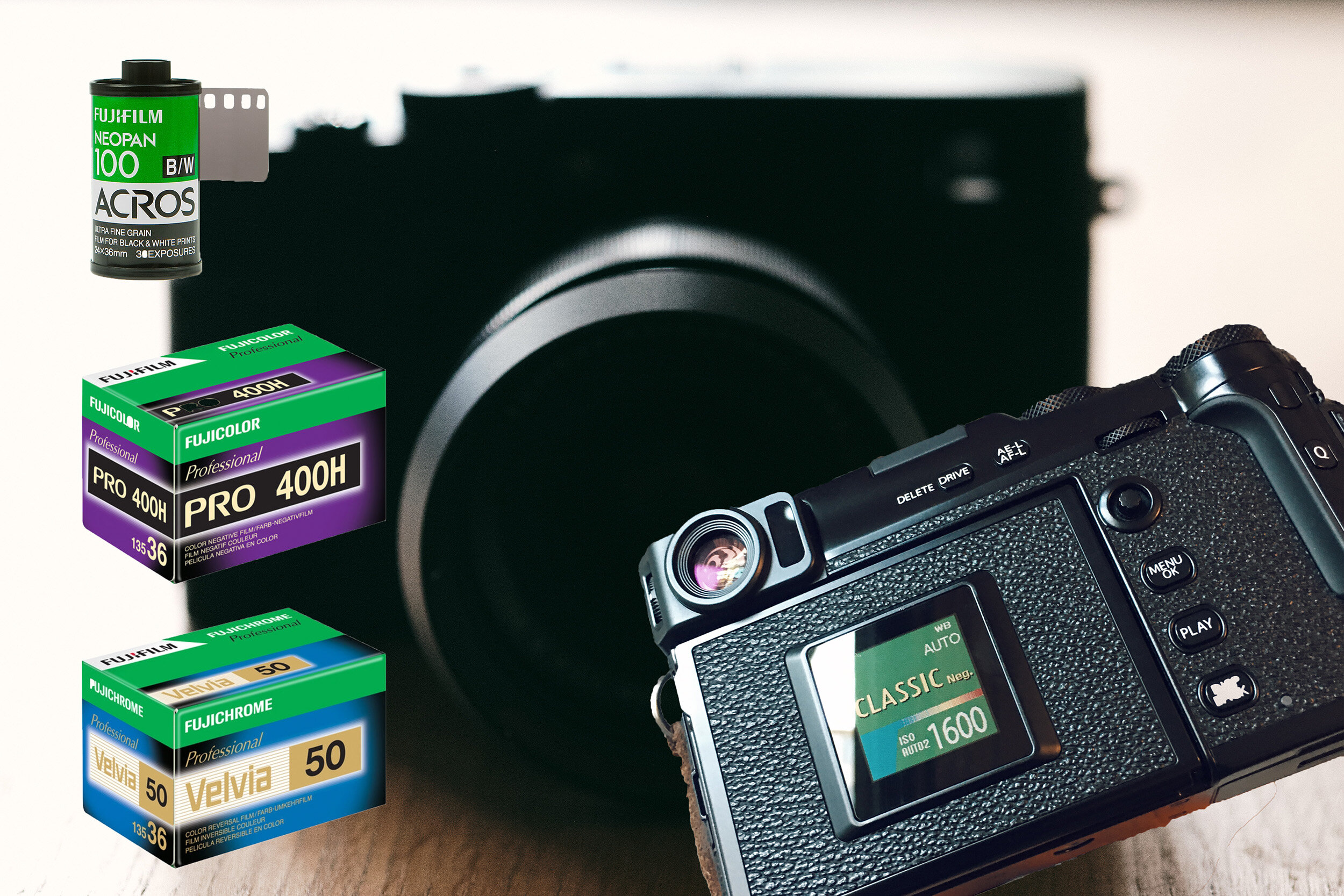
Fujifilm Film Simulations, Acros, Pro Neg. HI, Velvia, and Classic Neg.
A Quick Guide to Fujifilm Film Simulations
Introduction to Fujifilm Film Simulations
Other than early phone apps like Hipstamatic, I first became aware of film simulation through VSCO back in 2013. It was a true eye-opener, and I became almost addicted to VSCO, purchasing several of their packages and using them with my Fujifilm X-Pro1 and Canon digital SLRs.
Some of the film simulations I gravitated towards were based on Fujifilm stock, such as the ASTIA, Pro 400H, or Velvia. I would use the film simulations as a starting point, then make adjustments and save my own presets in Lightroom.
Fujifilm Velvia - Fujifilm X-Pro2, XF 23mm f/1.4 R @ f/5.6 - Iceland
In 2012, I jumped on the Fujifilm bandwagon when I purchased an X-Pro1. Back then, we were limited to PROVIA, ASTIA, Velvia, Pro Neg Hi, Standard, and Monochrome film simulations.
But Fujifilm has steadily released more film simulations over the years, and in early 2021, yet another was announced: the Nostalgic Negative, initially available only for the Fujifilm GFX 100S and later for the Fujifilm GFX 50S II.
In May 2022, Nostalgic Neg. was also made available for APS-C sensors with the announcement of the Fujifilm X-H2S and later that year for the X-H2.
Nostalgic Neg. - Fujifilm X-H2S @ f/1.4 - Vancouver, Canada
How to Use Fujifilm Film Simulations
You basically have four ways to use film simulation with your Fujifilm X Series or GFX camera.
1. Shoot JPEG, select your film simulation, and fire away. You can customize your JPEGs in-camera and save your custom settings. You have control over adjustments such as noise reduction, highlight tone, shadow tone, color, and sharpness, and depending on which camera you have, you may be able to make grain and curve adjustments, all in-camera.
2. Shoot RAW, and you can access the film simulations in your favorite editing software by simply picking the option that matches your taste. I have been using Lightroom or Capture One Express, and both work well for me. You can also check out Fujifilm’s X-RAW studio.
3. Shoot RAW and edit your images in-camera. You can adjust your image in-camera using exposure, grain effect, white balance, highlight tone, color, sharpness, and noise reduction. This is super handy, and I have used this option while traveling. You save your photos in-camera as JPEGs and can then transfer them to your mobile phone using Fuji’s Cam Remote app.
4. Shoot RAW and JPEG, and you have the best of both worlds.
Classic Neg. - Fujifilm X100V @ f/2.5 - Vancouver Canada
A Show of All Fujifilm Film Simulations
Below is a show of film simulations from Fujifilm. The image is captured with a Fujifilm X-T4 and the XF 35mm f/1.4 R at f/7.1, ISO 160. I have adjusted levels and white balance before applying the film simulations. Images were processed from RAW in Capture One.
Please click to view larger images.


My Favorite Fujifilm Film Simulations
Below, I will feature my favorite Fujifilm film simulations and a couple of sample images from each. These film simulations have become an integral part of my post-processing workflow, and you will see countless sample photos across this site in either my Camera Reviews or the Travel Section.
With that said, I do not always apply film simulations to my photos. It comes down to an individual choice for each image, and I often edit the file that comes straight from the camera, especially after I started using Capture One.
I Shoot RAW
I should mention that I almost always shoot RAW (only) and prefer to edit in either Lightroom or Capture One.
Nostalgic Neg. - Fujifilm X-H2 @ f/2 - Vancouver Canada
Acros
Acros is my go-to black-and-white film simulation. After the Acros film simulation was released in 2016 alongside the Fujifilm X-Pro2, I found the Monochrome simulations somewhat redundant.
The Acros film simulation comes in four variations:
Standard Acros. If in doubt, Fujifilm states right on the camera, “Shoot in black and white in rich detail with sharpness.”
Ye, for a yellow filter, which slightly enhances contrast and darkens skies
R, for a red filter, which enhances contrast and darkens skies considerably
G, for a green filter, produces pleasing skin tones in portraits
For more examples of the Acros film simulation, check out this link to a travel post from Paris with only black-and-white images.
I have another article about the Acros film simulation, comparing it to the Fujifilm Neopan Acros 100 II black-and-white negative film stock. Here is a link if you are interested:
Acros, Fujifilm X-Pro2, XF 35mm f/2 R WR @ f/2.8 - Paris, France
Acros, Fujifilm X-Pro2, XF 35mm f/1.4 R @ f/1.4 - Guilin, China
Velvia
Velvia (VIVID), as Fujifilm calls it on the camera, delivers vibrant reproduction, ideal for landscape and nature photography. I would agree with this statement, but all film simulations can, of course, be used for a range of topics depending on your style and taste.
I shot many rolls of Fujichrome Velvia 50 back in the nineties, namely during five months in Australia, where we had lots of sunny days and spent time near the water.
The slow ISO 50 film speed yielded sharp, larger-than-life, saturated colors, which were highly desirable. For my current travel photography, I use the Velvia film simulation all the time, but will often lower the color saturation slightly.
The Fujichrome Velvia 50 film stock is still in high demand and quite expensive at $33.99 per roll, 36 frames.
Velvia, Fujifilm X-Pro2, XF 35mm f/1.4 R @ f/1.4 - Valletta, Malta
Velvia, Fujifilm X-Pro2, XF 35mm f/1.4 R @ f/1.4 - Paphos, Cyprus
Classic Chrome
Classic Chrome produces softer colors and enhanced shadow contrast, according to Fujifilm’s description, for a calm look. The Classic Chrome is not based on any existing film stock but has been compared to the iconic Kodachrome 64.
I primarily use this film simulation for street photography or when I want a desaturated color look while still maintaining a bit of punch in the image's tonality.
Classic Chrome, Fujifilm X-Pro2, XF 23mm f/1.4 R @ f/2 - Budapest, Hungary
Classic Chrome, Fujifilm X-Pro2, XF 23mm f/1.4 R @ f/1.4 - Sofia, Bulgaria
Pro Neg. Hi
The Pro Neg. film simulations are based on the Fujifilm NS160 film stock and are said to be suitable for portrait photography. I have used the Pro Neg. Std for portraits quite often, as it lowers tonality and saturation ever so slightly for pleasant skin tones and rendering.
That said, I use the Pro Neg. more often. Hi, but not as the doctor prescribed. While Pro Neg. Hi, it is also slightly desaturated, retaining more tonality, and I have found this quite pleasing for foliage, trees, landscape, and nature photography, where Velvia can sometimes be a bit over the top for color saturation.
Pro Neg. Hi, Fujifilm X-Pro2, XF 23mm f/1.4 R @ f/10 - Ireland
Pro Neg. Hi, Fujifilm X-Pro2, XF 23mm f/1.4 R @ f/3.6 - Williams Lake, Canada
Classic Neg.
Last but not least on this list of favorite film simulations for the X Series is the Classic Neg., based on Fujicolor Superia 100. I would put Classic Neg. in the same family as Classic Chrome, but it has more saturated colors while maintaining a natural yet “classic” look in your photos.
This film simulation could easily become a favorite of mine as I can see it come into play in so many situations. One caveat is the fact that Classic Neg. is only available for the latest X-Trans IV sensor-based cameras in the X Series. For my X-Pro2, I have been using an excellent Classic Neg. recipe from Thomas Fitzgerald.
Classic Neg., Fujifilm X-Pro3, XF 23mm f/1.4 R @ f/1.4 - Vancouver, Canada
Classic Neg., Fujifilm X100V @ f/5.6 - Vancouver, Canada
Update
Nostalgic Negative
The Nostalgic Negative film simulation was initially introduced for the Fujifilm GFX 100S in January 2021 and for the Fujifilm GFX 50S II in September 2021.
In the spring of 2022, the Fujifilm X-H2S was the first X Series camera to see the Nostalgic Neg. film simulation, and it was followed by the X-H2 and X-T5 in the fall of the same year.
I first tried the Nostalgic Negative film simulation when I reviewed the GFX 100S and GFX 50S II, and instantly liked it. It creates a pleasant, warm tone to your files, and Fujifilm states it is based on American New Color Photography of the 70s, and the implementation of the APS-C sensor is also quite good.
Nostalgic Negative, Fujifilm GFX 100S, GF 50mm f/3.5 R LM WR @ f/5.6
Nostalgic Negative, Fujifilm GFX 50S II, GF 35-70mm f/4.5-5.6 WR
Nostalgic Negative, Fujifilm X-H2S, XF 33mm f/1.4 R LM WR
Fujifilm Film Simulation Summary
The files from most digital cameras are getting better and better, but they often look too perfect or flat. Throughout the history of photography, we have become accustomed to a particular look associated with film stocks from different eras.
Mainstream digital photography has been around for less than 20 years, and it is only natural that we want to emulate earlier periods through film simulations. Fujifilm has a long history of manufacturing film, and it has been a goal for them to match the film look and make it available in our digital cameras.
The advantages of having these film simulations at your fingertips are numerous. It gives you a creative set of paintbrushes, speeds up your editing workflow, and offers several ways to use them. It is indeed one of the strong arguments for selecting a Fujifilm X Series or GFX Series camera.
Relevant Reviews
See all my reviews at a glance: